Melody Dash Music Runner
Reviews
Description
Game Introduction
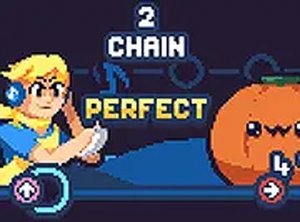
Melody Dash is a rhythm arcade game that combines music matching with endless running. Instead of tapping notes on a screen, players guide a character through a vibrant world where every action aligns with the soundtrack. This approach challenges your sense of timing and coordination. Designed for desktop play, it uses keyboard or mouse controls for precise input. Whether you are a rhythm game expert or new to the genre, Melody Dash provides a fun and engaging experience. Play it for free on our site and discover a new way to enjoy music games.
How to Play
To play Melody Dash, use your keyboard or mouse to control the character as it runs through an endless course. The key is to match your actions with the beat of the music. Press the correct keys or click at the right moments to keep the rhythm going and avoid obstacles. The game gets faster and more complex as you progress, testing your ability to stay in sync. Practice makes perfect, so keep trying to improve your score. The controls are simple to learn but hard to master, making it accessible for players of all skill levels. Enjoy the full screen mode for a better view of the action.
Game Features
Unique blend of rhythm and endless runner gameplay. Free to play with no downloads required. Full screen mode for an immersive experience. Desktop optimized with keyboard and mouse controls. Increasing difficulty that challenges your skills.
Tips for Success
Focus on the beat and let the music guide your movements. Start with slower sections to build your timing before tackling faster parts. Practice regularly to improve your coordination and reaction speed. Experiment with different control methods (keyboard vs. mouse) to find what works best for you. Stay relaxed and avoid tensing up, as this can throw off your rhythm. Watch the path ahead to anticipate obstacles and plan your actions accordingly.