
Description
Game Introduction
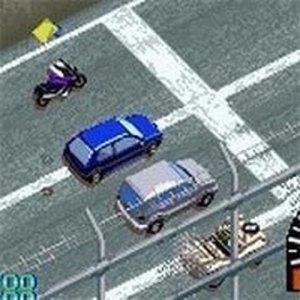
Retro Police Chase Racing is a classic driving game originally developed by Electronic Arts Canada and released in 1998. This retro title places players behind the wheel of high-performance sports cars from well-known brands such as Lamborghini, Ferrari, and Chevrolet. The core objective offers a unique twist: players can choose to be a racer speeding through scenic roads or a police officer chasing down speeders. The game features a variety of tracks including coastal highways and mountain passes, each with shortcuts and hazards. Dynamic weather changes such as rain and night driving add an extra layer of challenge, requiring players to adjust their driving tactics. The sense of speed, engine sounds, and detailed scenery keep the experience engaging. This browser-based version requires no installation, allowing immediate play.
How to Play
To start, players select a mode from the main menu. In single-player, you can race solo in time trials or compete against AI opponents. The highlight is the police chase mode, where racers try to outrun officers while officers aim to catch them. Players typically use arrow keys or a controller to steer, accelerate, and brake. Mastering each track's shortcuts and adapting to weather changes provides an advantage. When playing as a police officer, activating the siren helps chase down speeders and force them to stop. The game runs directly in the browser with no installation needed, so you can start playing within minutes.
Game Features
Fast-paced police chases add excitement to every race. Iconic sports cars from Lamborghini, Ferrari, and Chevrolet offer unique handling and acceleration. Dynamic weather changes such as rain and night driving force you to adjust your strategy. Diverse tracks with shortcuts and hazards increase the challenge and replayability. The sense of speed, sharp engine sounds, and detailed scenery keep the experience engaging. The game may include multiple modes like time trials and AI races.
Tips for Success
Practice each track to learn its shortcuts and hazards. Adapt your driving style to weather conditions like rain or night driving. When playing as a racer, use the police's pursuit tactics to your advantage by taking sharp turns or using obstacles. As a police officer, time your siren activation to surprise speeders and force them into difficult positions. Consistent practice will improve your reflexes and overall performance.











Player Comments
Sign in to comment
You must be logged in before posting a review or rating.
No account? Create one
No comments yet. Be the first to comment!