
Description
Game Introduction
Pibby Musical Challenge Online is a fan-made rhythm game that combines the fun of music-based gameplay with a colorful universe. In this family-friendly game, players help the main character succeed in musical duels by pressing the right keys at the right time. The game is designed to work smoothly in web browsers, making it accessible on various devices including low-end computers, Chromebooks, Mac, and Linux systems. No downloads or installations are needed—just open your browser and start playing. The game features upbeat tunes and vibrant visuals that appeal to players of all ages. It respects the original creators by giving proper credit, ensuring a positive experience for the community. This game is perfect for anyone looking for a smooth, enjoyable rhythm challenge without technical difficulties.
How to Play
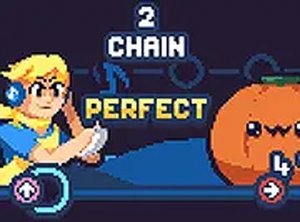
Players use the arrow keys on their keyboard to match notes as they fall from the top of the screen. When a note reaches the target area, press the corresponding arrow key. Timing is important—hitting notes accurately helps maintain your energy bar and complete the song successfully. The game may offer different difficulty levels to suit various player abilities. Full-screen mode can be activated for better focus. No downloads or special software are required to play.
Game Features
This free rhythm game includes multiple songs and difficulty levels. It works on Chromebooks, Mac, Linux, and low-end PCs without requiring any installation. The controls are simple, using only the arrow keys. Full-screen mode is available for an immersive experience. The game gives proper credit to original creators, showing respect for the community.
Tips for Success
Focus on timing rather than speed—hitting notes accurately is more important than pressing them quickly. Start with easier difficulty levels to learn the patterns. Practice regularly to improve your reaction time. Use full-screen mode to minimize distractions. Listen to the music rhythm to anticipate when notes will arrive.










Player Comments
Sign in to comment
You must be logged in before posting a review or rating.
No account? Create one
No comments yet. Be the first to comment!